Y999 “Main Hall Is Down” Message: What Switch Lines Means
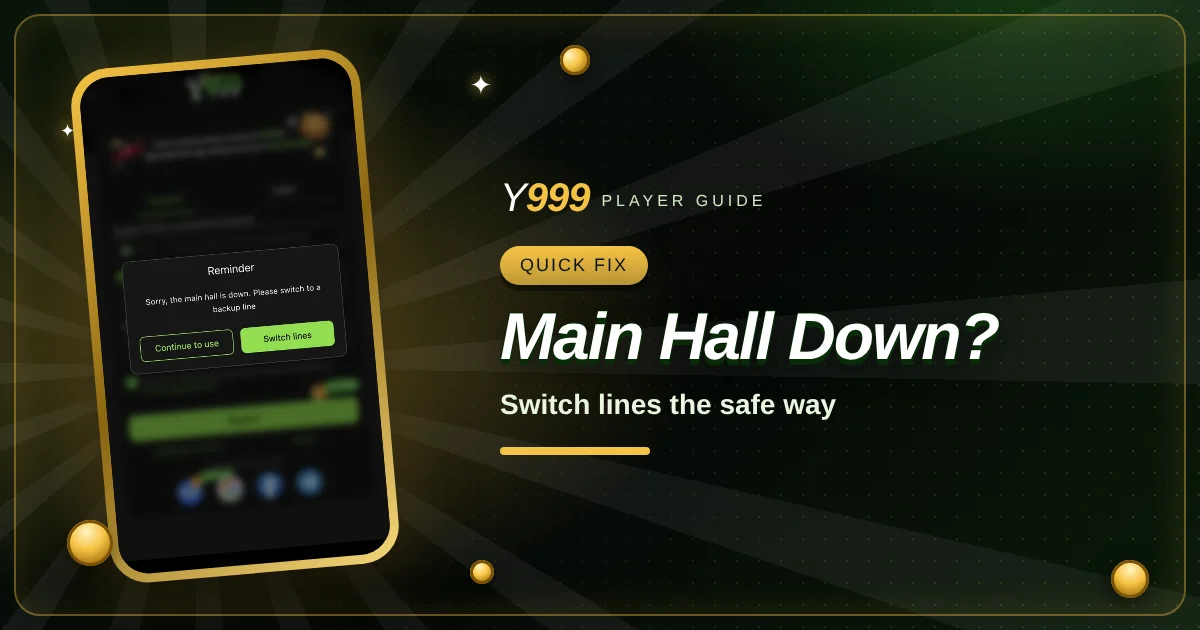
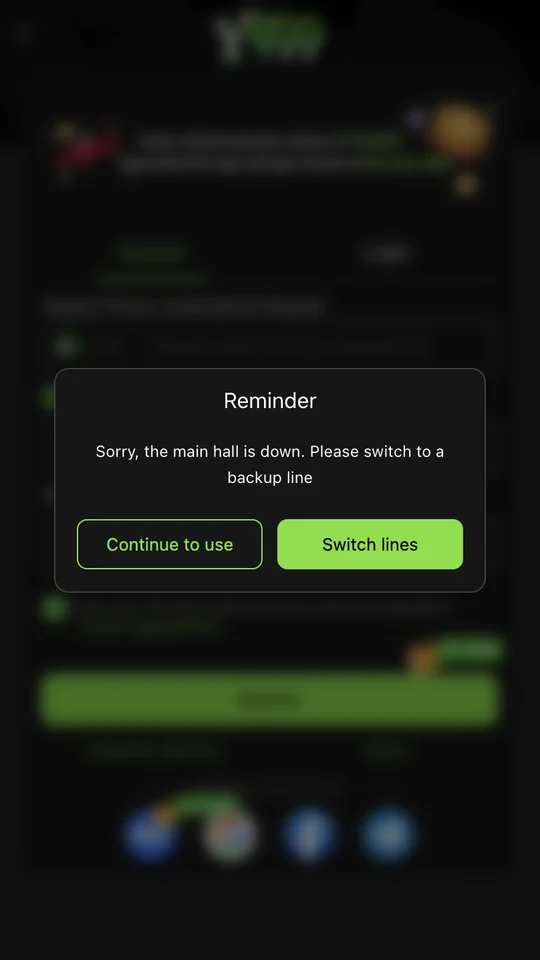
Sometimes Y999 greets you with a dark pop-up titled Reminder: “Sorry, the main hall is down. Please switch to a backup line.” It looks alarming, but it is a routine connection message. Here is what it means, which button to press and how to stay away from fake “backup” links that appear at exactly these moments.

Key takeaways
- The message means the main server address is not responding for you right now.
- “Switch lines” moves you to another official connection route inside the app.
- “Continue to use” keeps trying the current route; use it only if the page is still loading.
- Never search for a “backup link” on social media; use the button inside the app.
What the Pop-Up Actually Says
The pop-up appears on top of whatever screen you opened, often the Register or Login page, and the background is blurred. It has a title, Reminder, one sentence of text and two buttons: an outlined Continue to use button and a solid green Switch lines button.
In plain words, the app is telling you that the route it normally uses to reach the game servers is not answering. Large apps keep several routes, often called lines, so that if one is slow, blocked or under maintenance, players can move to another. The message is not about your account, your balance or a ban.
Which Button Should You Press?
In most cases, press Switch lines. The app then connects through another official line and reloads the page. This is the quickest way back into the app, and it keeps you inside the official app rather than sending you to a web search.
Press Continue to use only if the screen behind the pop-up still seems to be working, for example if you can see the form loading normally. If you press it and pages stay blank, spin forever or show errors, come back and switch lines instead.
Tap Switch lines
Wait a few seconds while the app moves to another line and reloads.
Try the action again
Go back to Login, Register or the page you wanted and try once more.
Still stuck? Restart
Close the app fully, turn mobile data or Wi-Fi off and on, then open it again.
Contact support
If nothing works after a few minutes, use the Customer Service link in the app.
Why the Main Line Goes Down
There are a few ordinary reasons. The server may be under maintenance, often late at night. Your internet provider may be routing traffic badly at that moment. A very busy period, such as a big cricket match, can overload one line. Or the address may be blocked on a particular network, which is common with real-money gaming apps in some regions.
Because the reason is usually outside your phone, clearing the app or reinstalling it rarely helps. Switching lines or switching networks (from Wi-Fi to mobile data, or the other way round) solves the problem far more often.
Quick Network Checks Before You Blame the App
Open another website
If other sites are slow too, the problem is your connection, not Y999.
Swap Wi-Fi and mobile data
A different network often uses a different route to the server.
Check the time
Late-night maintenance windows are common. Waiting ten minutes can be the whole fix.
Update the app
If the app is old, an update may include new lines. Update only through the official app or site.
The Fake Backup Link Trap
Whenever an app has connection trouble, scammers post “new Y999 backup links” in WhatsApp groups, Facebook comments and Telegram channels. Some lead to look-alike login pages that steal your number and password. Others ask you to download a “fixed” APK that is actually modified.
The safest rule is simple: the backup line you need is already inside the app, behind the Switch lines button. You do not need to search for one. If you have to reinstall, use the download link you trust from the official site, and check the address carefully before entering any details.
How to See the Message Less Often
You cannot stop server maintenance, but a few habits make the pop-up rarer. Use the installed app rather than an old browser bookmark, because the app usually knows about more lines than a saved web address does. Keep the app updated through the official download page. If your Wi-Fi often struggles, try mobile data for gaming sessions, since home routers and some providers handle these connections badly.
It also helps to avoid opening the app on several devices at the same moment with the same account. Some platforms treat that as unusual activity and drop one of the sessions, which can look like a connection problem. One account, one device at a time, is the smoothest way to play.
What If It Happens During a Deposit or Withdrawal?
Do not repeat a payment just because the pop-up appeared. A deposit that you already approved in your wallet app may still arrive once the connection returns. Note the time, amount and transaction ID from your wallet, switch lines, then check your balance and the transaction history.
If the balance has not updated after a reasonable time, contact Customer Service with that transaction ID. Paying twice because of a connection message is the most common and most avoidable mistake in this situation.
Frequently Asked Questions
Is “main hall is down” a ban?
No. It is a connection message. Your account and balance are not affected by it.
Is it safe to tap Switch lines?
Yes, it is a button inside the official app that moves you to another official line.
Should I search for a Y999 backup link?
No. Use the Switch lines button. Links shared in groups are a common source of fake login pages.
What if switching lines does not work?
Change networks, restart the app, wait a few minutes and then contact Customer Service.
Ready to Get Started?
Download the official Y999 app, create your free account and keep this guide handy.
Real-money gaming carries financial risk. Set a budget and play responsibly. 18+ only.
Related Guides
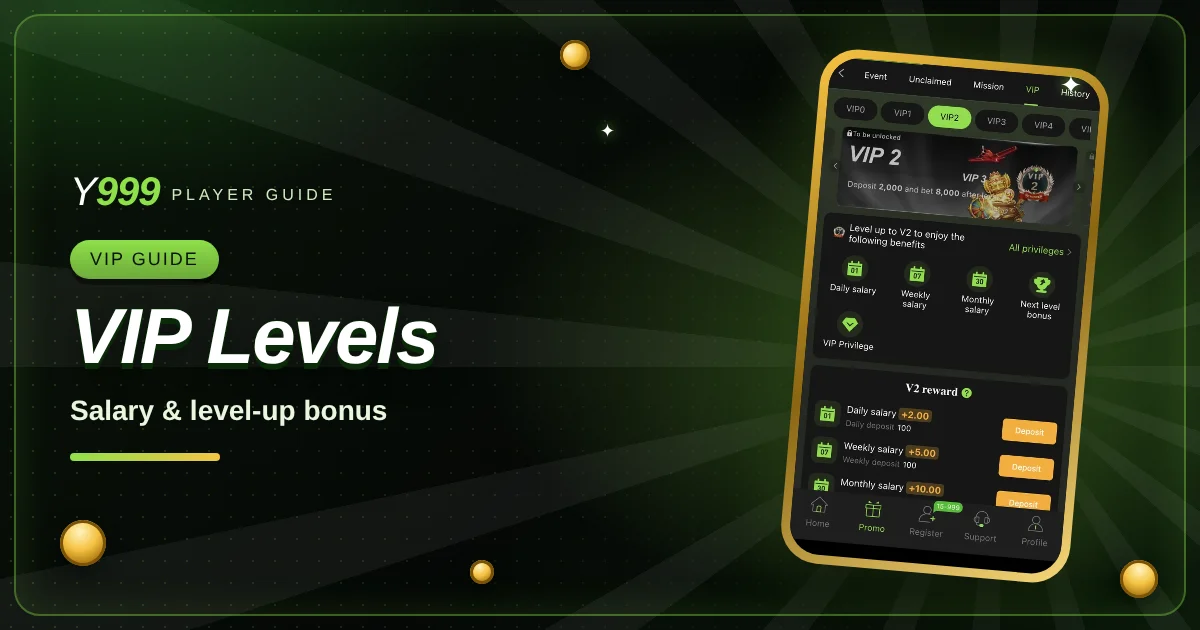
Y999 VIP Levels Explained: VIP0 to VIP2, Salary and Level-Up Bonus
Y999 VIP guide: what VIP0, VIP1 and VIP2 ask for, how daily, weekly and monthly salary works, and how to read the level-up bonus.
Read MoreHow to Deposit on Y999 with JazzCash
A step-by-step JazzCash top-up, plus what to do if the balance does not appear.
Read MoreDragon Tiger Rules Explained for Beginners
Card values, bets, the tie and the suited tie, explained with simple examples.
Read More